
An aesthetic goal platform
Turn vision into reality.
People make progress when they keep their goals in sight. We make it easier with personalized widgets for your everyday life.
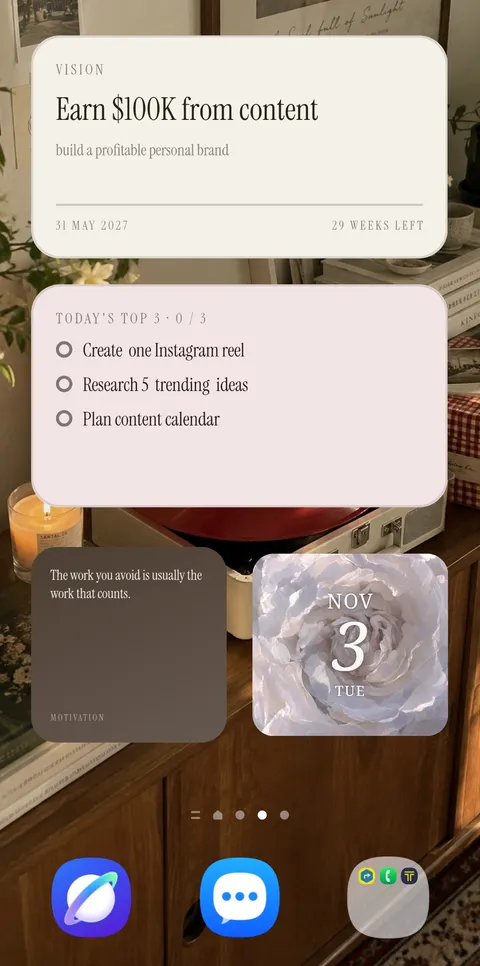
The screen you see most
You look at it all day.
What does it show you?
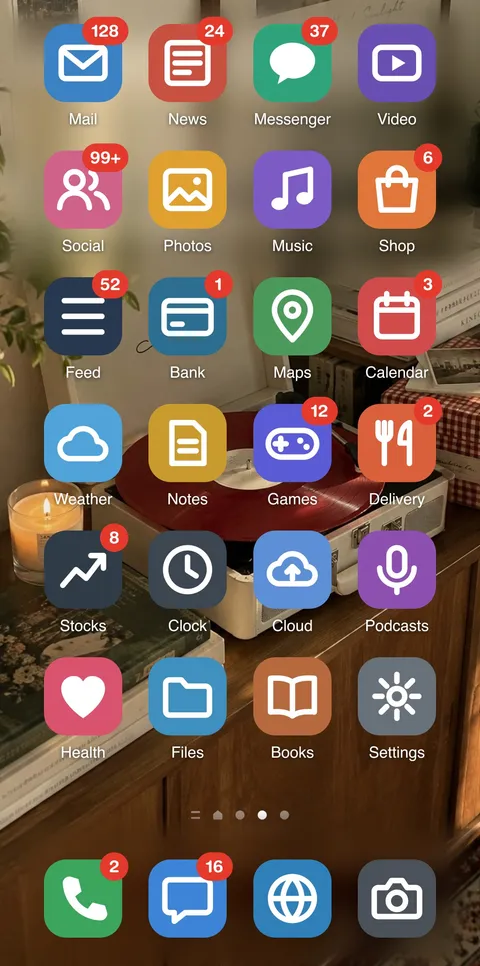
Notifications. Headlines. A feed with no end. The home screen has become a place to take things in, not a place to remember what matters to you.
Is the screen you see most showing the life you want most?
Three widgets, one quiet rhythm
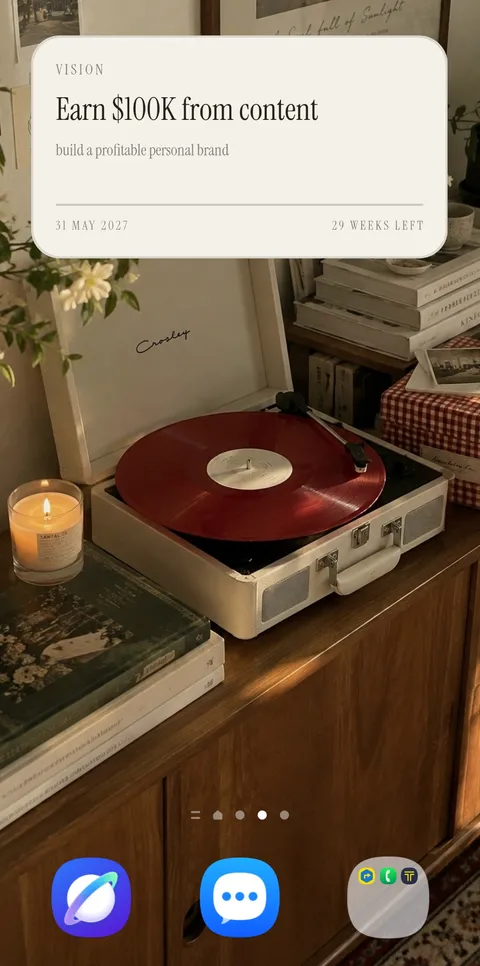
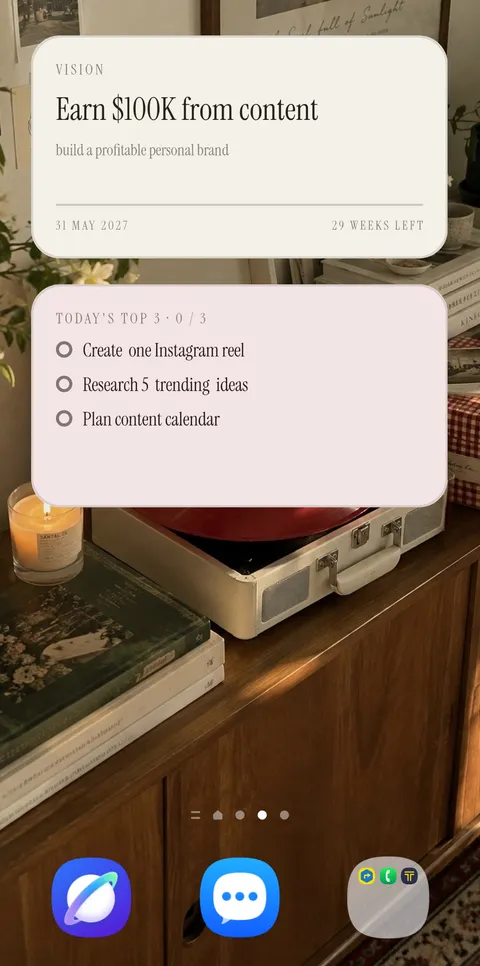
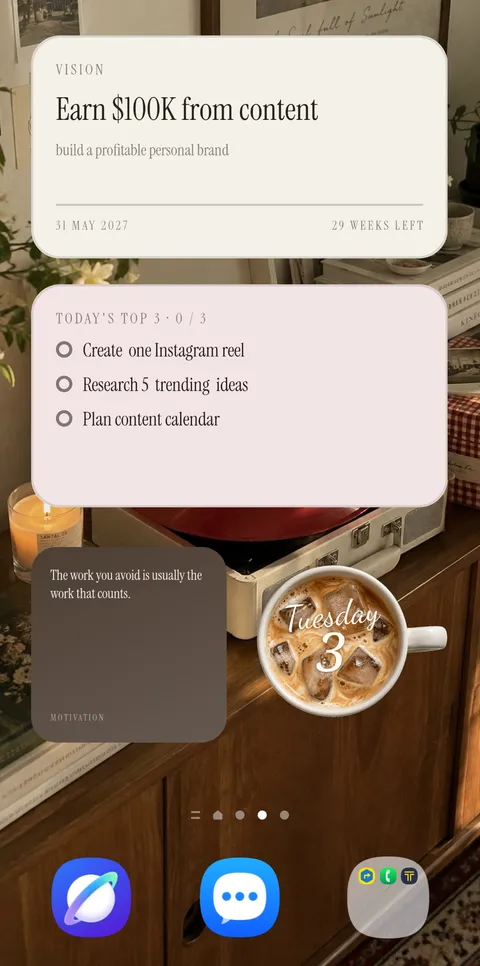
Where you're going.
What's next. Why it matters.
Three small widgets that sit with you through the day, so your goals stay in view without asking for your attention.
Studio
A home screen
you'll want to look at.
Collections, layouts, typography and more than thirty colors. Here, the design isn't a setting. It's the whole point.
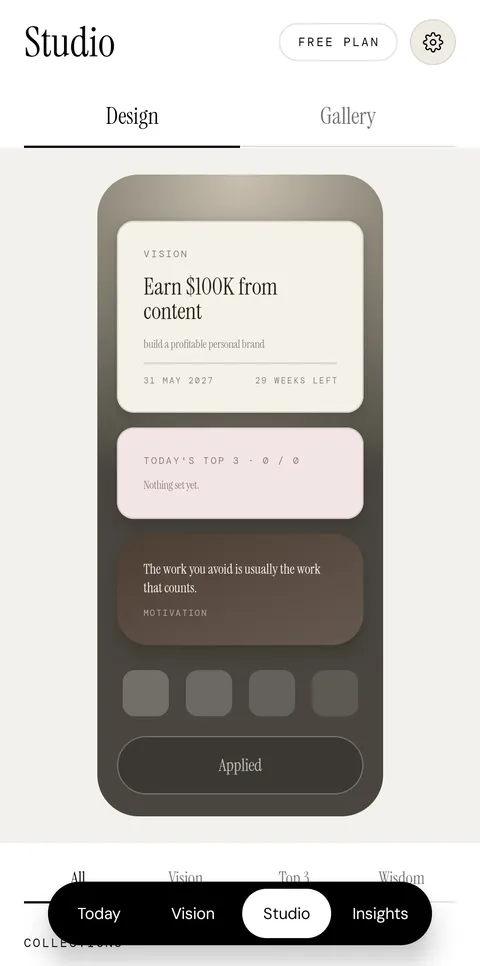
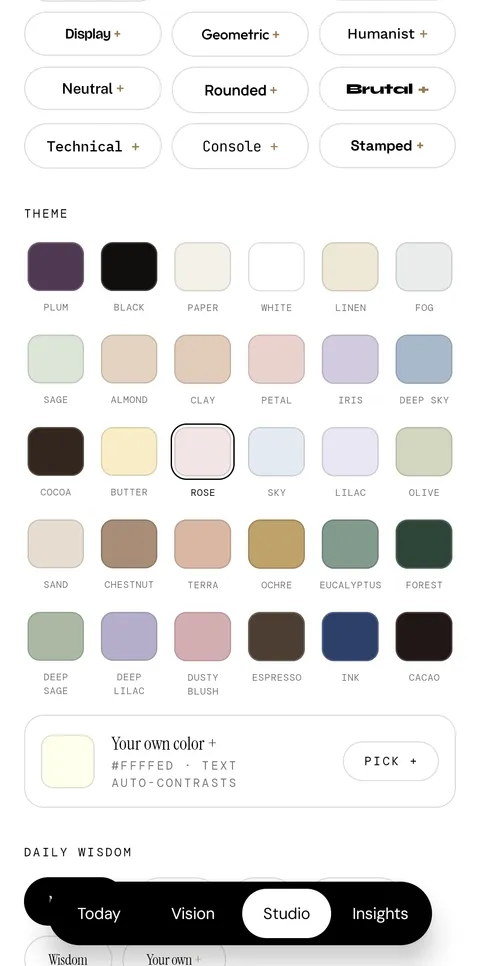
- Collections
- Layouts
- Solid, gradient & glass
- Typography
- Themes
- Your own colors
- Your own words
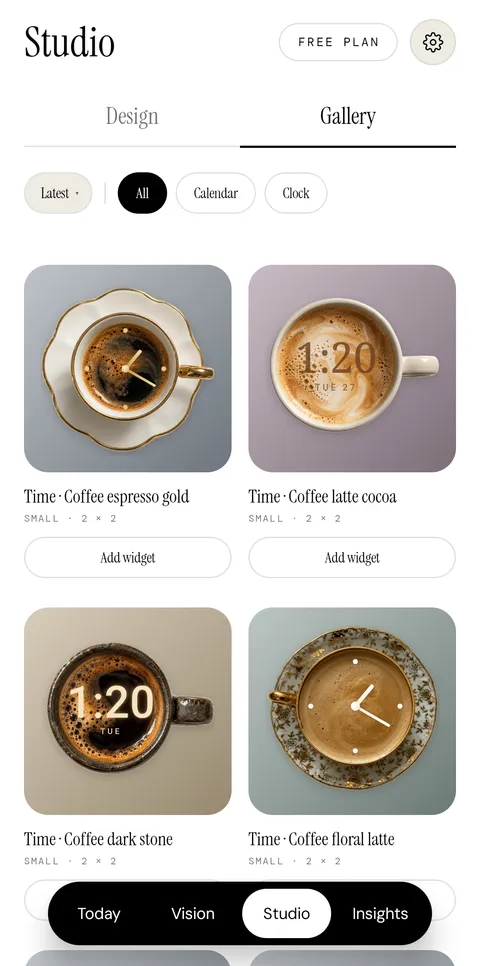
The Gallery
A screen that reflects your style.
Explore aesthetic clocks and calendars for your home screen. Personalize your widgets and turn your home screen into something worth looking at.
Designed to be yours.
Pricing
Free to begin.
Vision+ to make it yours.
Start free. When you want a home screen you love looking at, Vision+ adds the Gallery, premium type and themes, and room for 10 visions.
Free
$0
Free, for as long as you like
- Vision, Top 3 & Daily Wisdom widgets
- Up to 3 visions
- Essential typography & themes
Vision+
$3.99/ month
or $24.99 / year
- Everything in Free
- Up to 10 visions
- The widget Gallery
- Premium typography & themes
Made to be looked at, every day.
FAQ
Good questions.
Is Vision Widget free?
Yes. All three widgets — Vision, Top 3 and Daily Wisdom — are free, with room for up to 3 visions. Vision+ is for when you want a more beautiful home screen: the widget Gallery, premium typography and themes, and up to 10 visions.
Which phones does it work on?
Vision Widget is available on Android first. iOS is coming soon.
How do I add a widget to my home screen?
Touch and hold an empty spot on your home screen, then tap Widgets (the name can vary by phone). Find Vision Widget, pick a size and tap Add. It goes straight onto your home screen.
Do I need an account?
No. There's no sign-in. Your visions and tasks are stored only on your device.
How do I cancel Vision+?
Vision+ is billed through Google Play. You can cancel any time from Google Play › Payments & subscriptions › Subscriptions.
Something isn't working. Who can I ask?
Write to us at support@visionov.app and tell us what you're seeing, along with your phone model.

Tomorrow starts tonight.
Set your vision once. See it every day. Keep going.